
We design for people first, pixels second.
A good interface lets people know what to do without thinking. Getting there means understanding the work before the screens: who will use it, in what conditions, and what are they trying to achieve?
Drawing on products as different as field-staff apps and investor decks, we simplify the flow, test it with you on a clickable prototype and hand over a design system that developers can use directly.
Mallow Studio designs user flows, clickable prototypes and reusable design systems for web and mobile products; because the same team writes the code, nothing gets lost between prototype and product.
- User flows and information architecture
- Clickable prototypes and testing
- Component-based design system
- Design and code in one team
What we deliver
Discovery workshop
Goals, user types and success criteria.
Flow maps
Step-by-step task flows for every user type.
Wireframes
Fast sketches of content priority and layout.
Visual design
Accessible interfaces that fit your brand language.
Prototype
A clickable flow you can test with real users.
Design system
A library of colours, type, components and states.
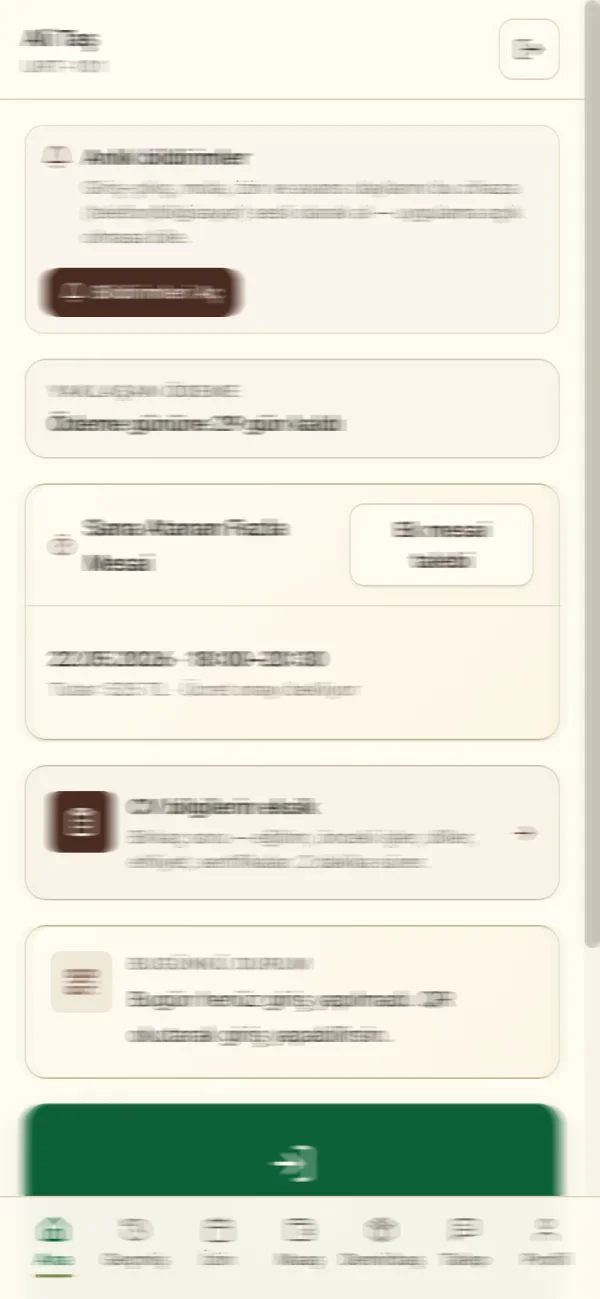
Built for real conditions
Tested in the field, not at a deskWe designed xPersonel's employee app knowing it would be used with gloves, in sunlight and in a hurry. That's why it has large tap targets, one task per screen and plain-language status messages.
- Bottom navigation usable with one hand
- Simple status cards: 'You haven't checked in today'
- Status colours that work for colour-blind users
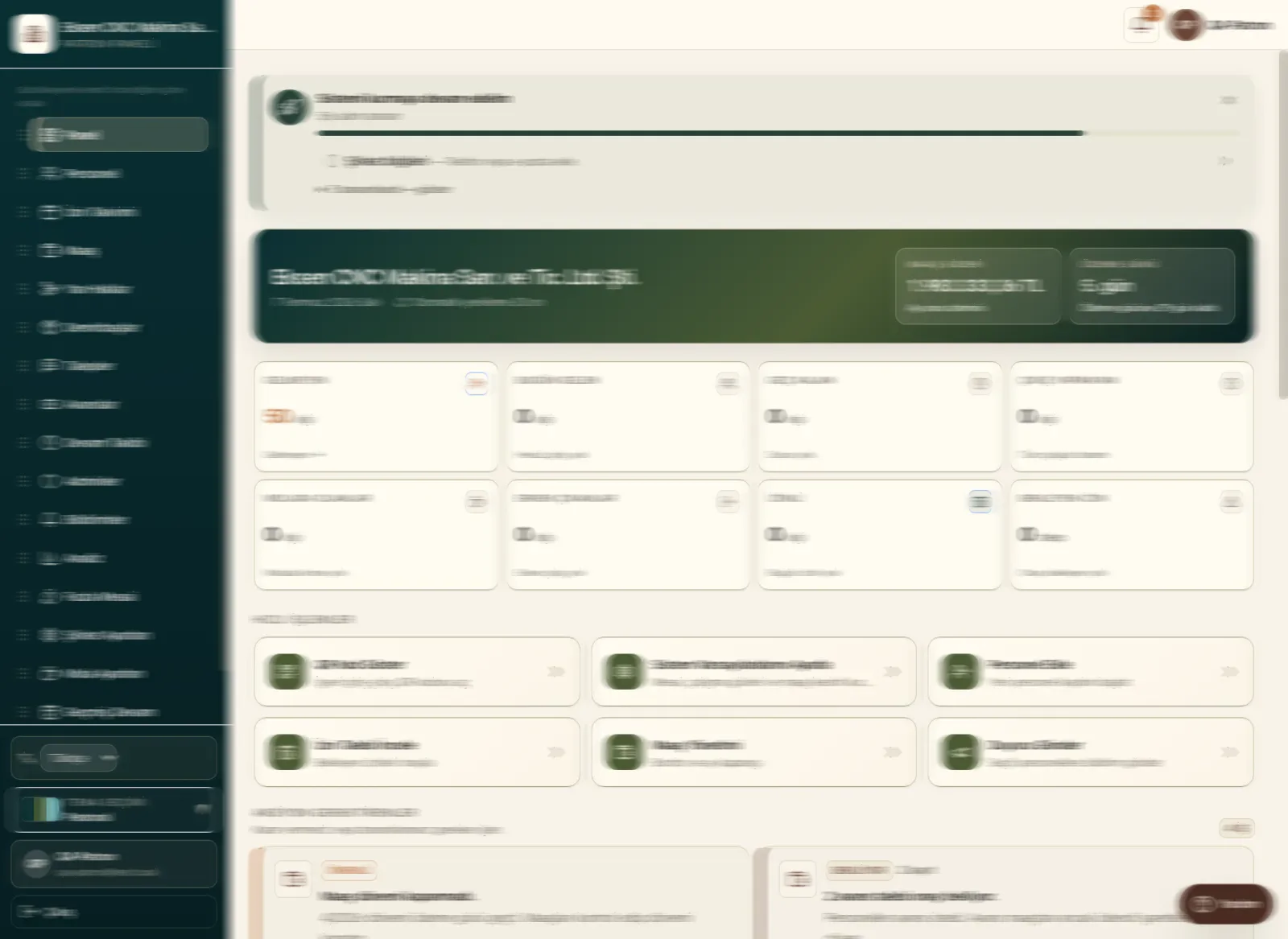
Design you can reuse
Design once, use everywhereCards, tables, forms and notifications live in one component library. New screens are assembled from these pieces, so consistency comes for free.
- Light / dark theme support
- Empty, loading and error states for every component
- Developer-ready sizes and tokens
Work in this area
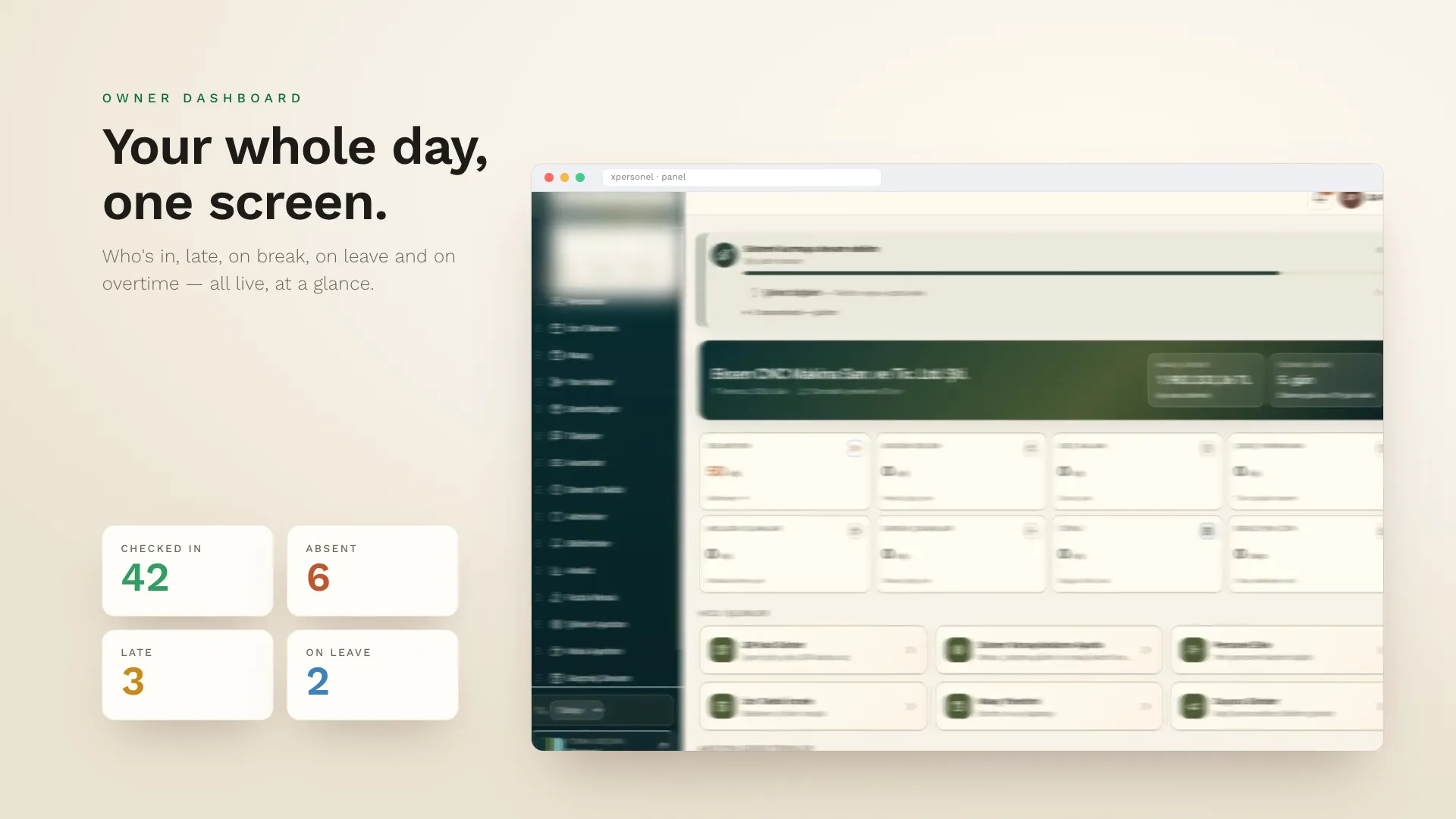 Our own product · Mobile + SaaS
xPersonel
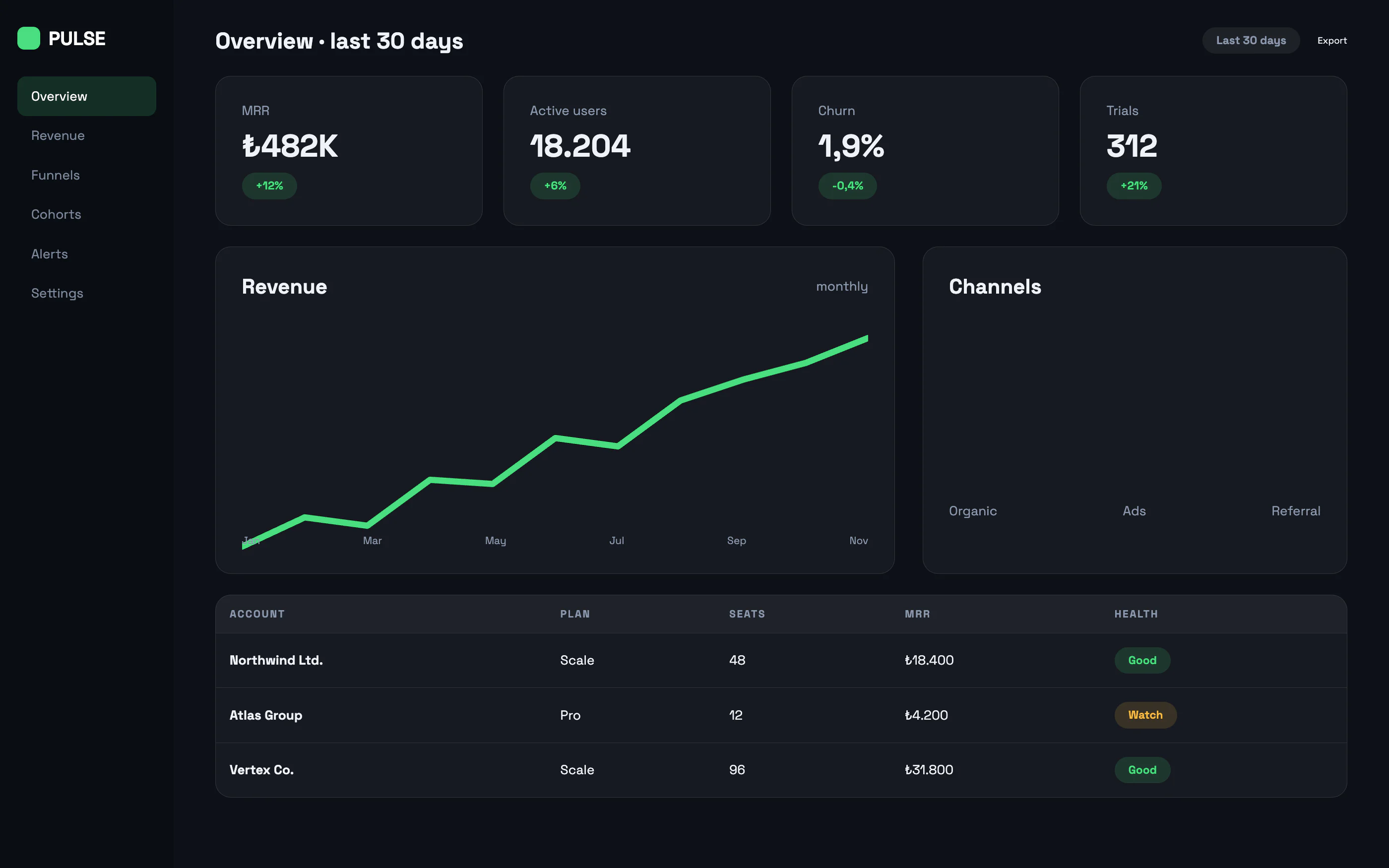 Web application · Concept design
SaaS Analytics Dashboard
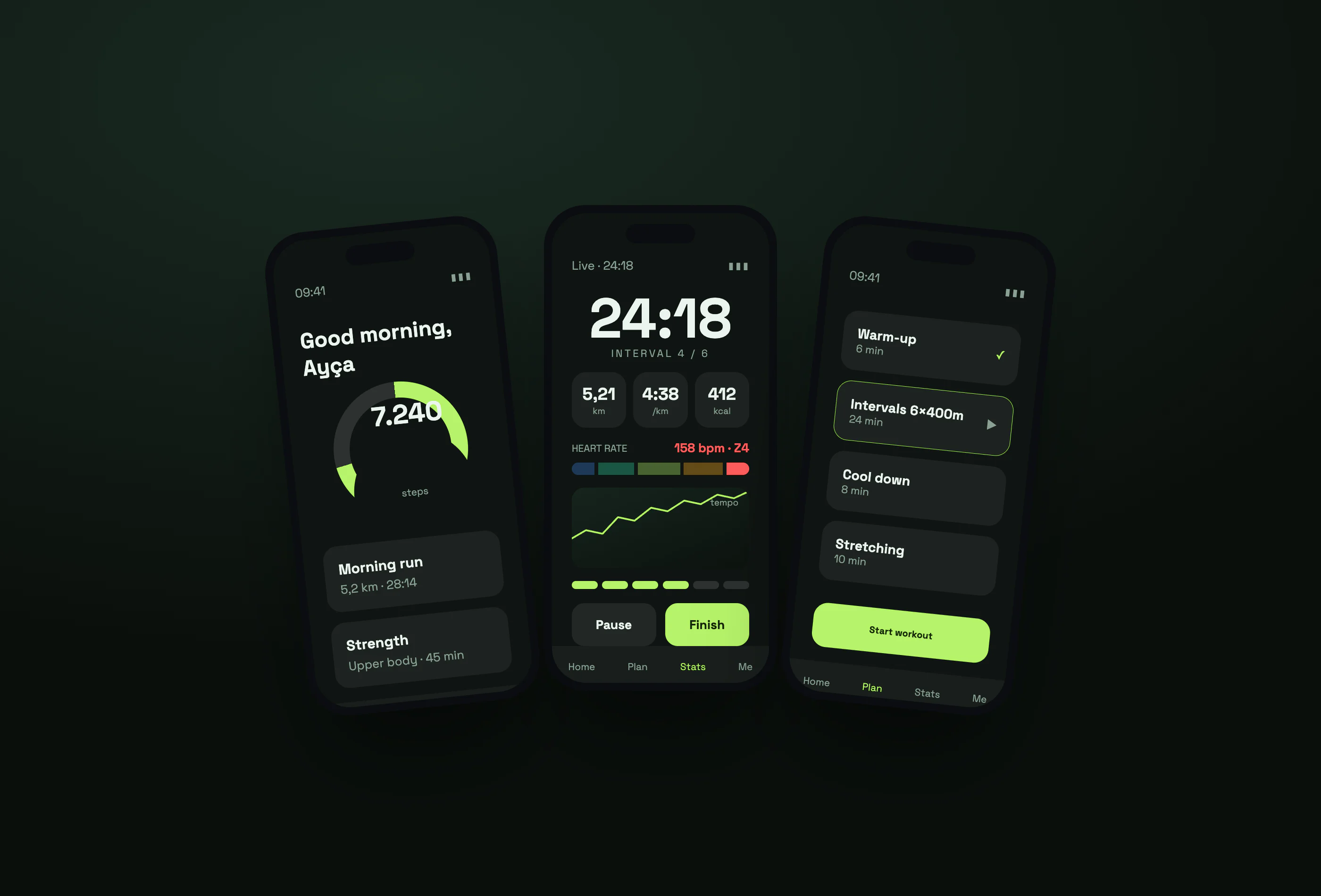 Mobile app · Concept design
Fitness & Training App
- Figma
- Clickable prototypes
- Design tokens
- WCAG 2.2
- HTML / CSS
- Flutter
Frequently asked questions
What's the difference between UI and UX?
UX (user experience) is about how a product works and how easily people reach their goal — flow, information architecture and interaction. UI (user interface) is the visual layer of that experience: colour, typography and components.
Can we hire you for design only?
Yes. If you have your own development team, we deliver the prototype and design system in a form your developers can use directly.
Do you test prototypes with users?
For critical flows we recommend short sessions with 5–8 users. Even a test this small uncovers most usability problems before development starts.
Can you redesign our existing app?
Yes. We start by reviewing current usage and complaints, then plan a phased redesign beginning with the screens that will make the biggest difference.
Have an idea or a project? Get in touch!
We're here. Tell us about your idea and we'll show you how to bring it to life — the first call and the quote are free.