
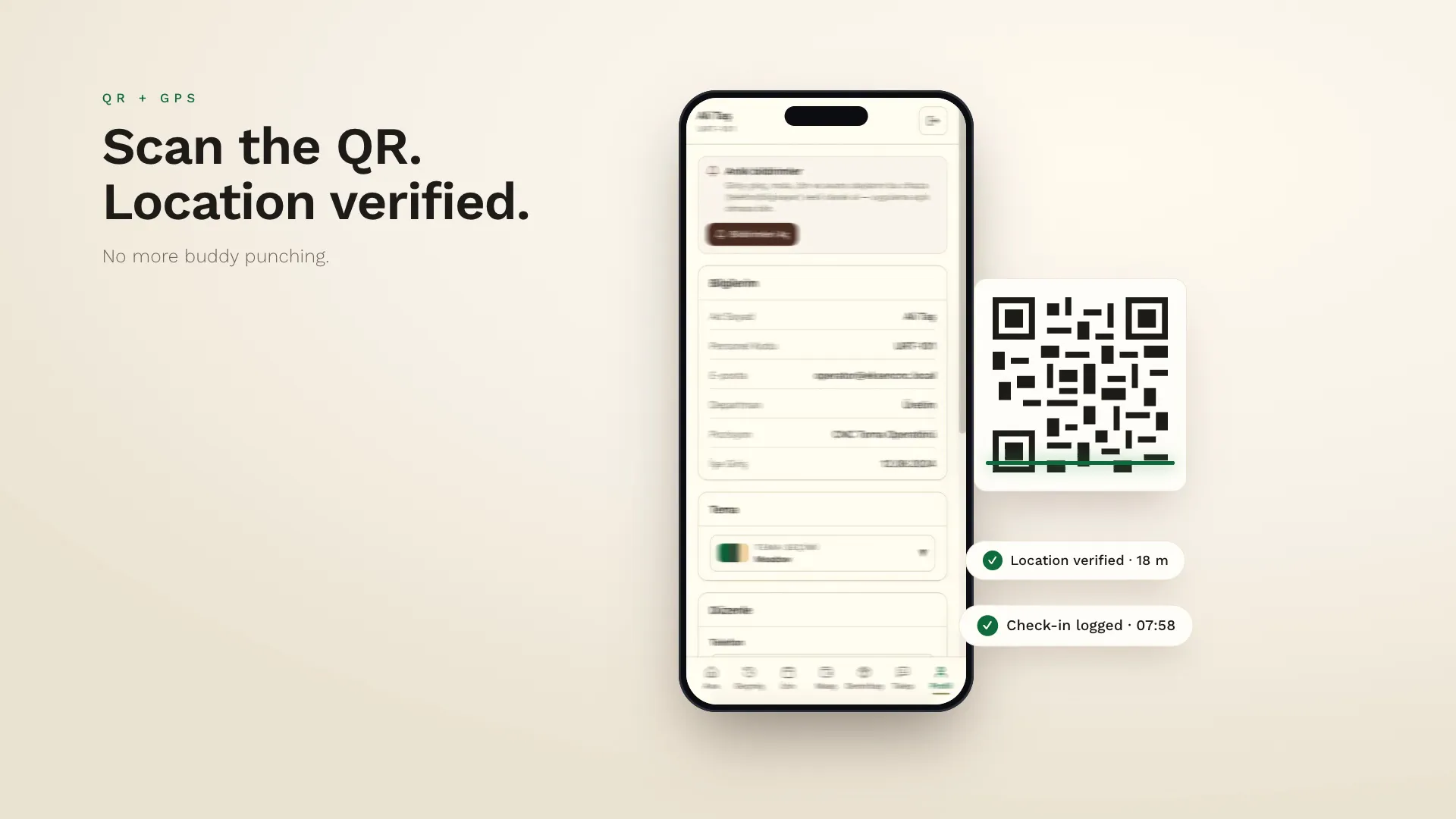
Scan the QR, verify the location, log the check-in.
Time and attendance no longer requires mounting a device on the wall. In xPersonel, staff scan the QR code at the workplace with their own phone; the app verifies their location at the same time and the check-in is logged within seconds.
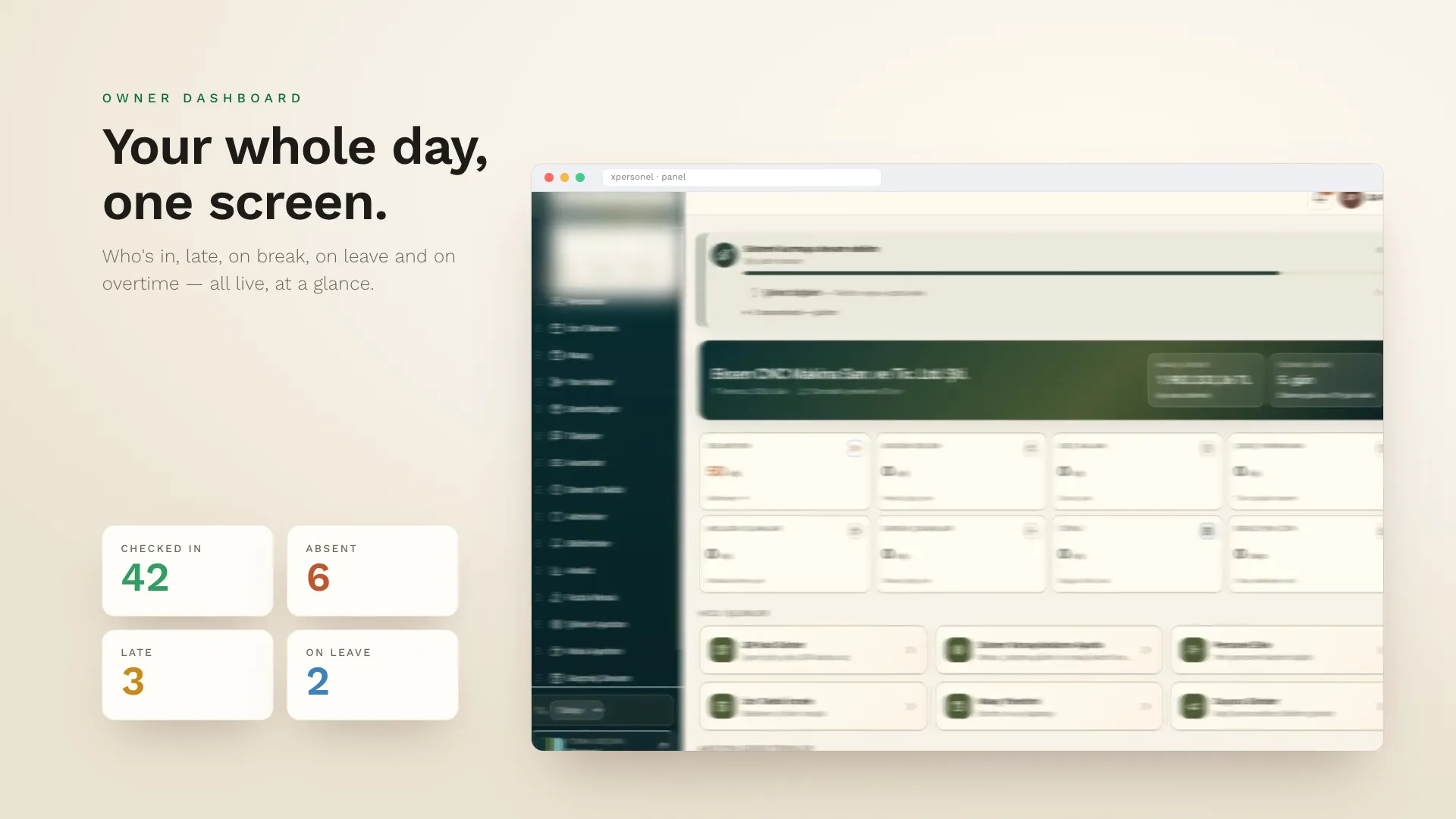
That means no dedicated card reader or fingerprint device to buy, and QR plus location checks make buddy punching harder and suspicious records easier to review. The owner's dashboard shows attendance for the day in real time.
xPersonel's QR + GPS attendance feature logs check-ins when an employee scans the workplace QR code with their phone and their location is verified. It needs no extra hardware, prevents fake check-ins and shows attendance on the owner's dashboard instantly.
- No fingerprint or card device needed
- Location checked only at check-in and check-out
- Late arrivals and early departures flagged automatically
- Reminders for forgotten check-outs
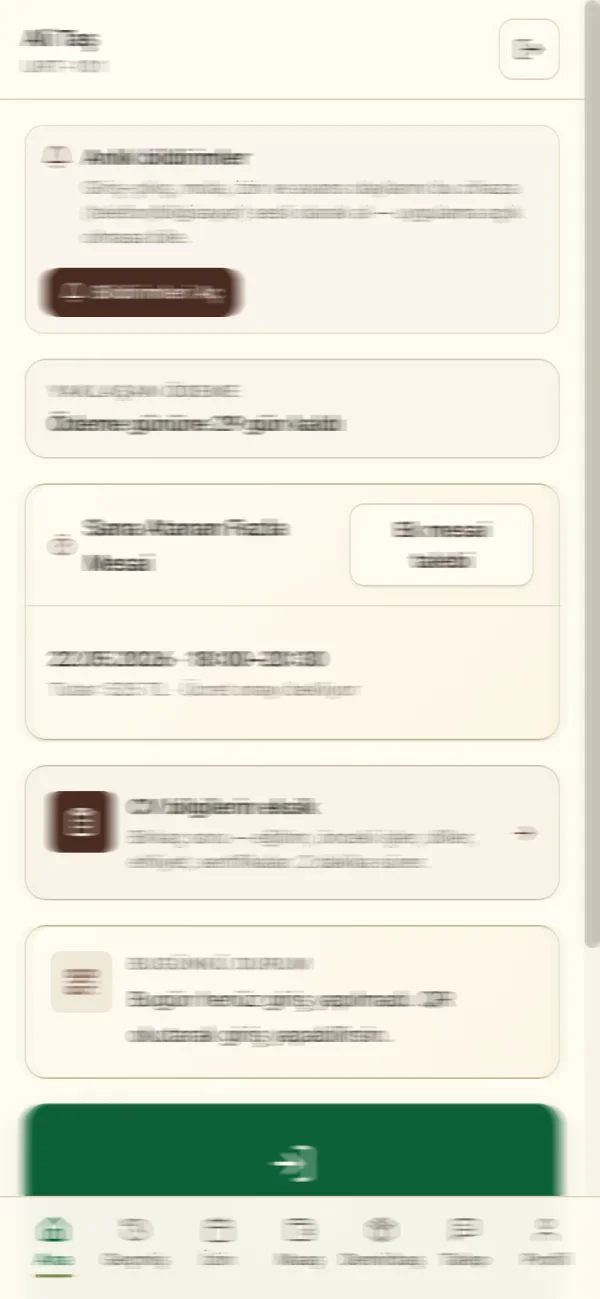
Check in with one tap
Camera opens, QR scannedA large check-in button on the app's home screen opens the camera; when the QR is scanned, location is checked and the check-in is logged. Staff see their day's status on the same screen.
- A large, one-hand-friendly button
- A clear confirmation on success
- A list of past check-ins and check-outs
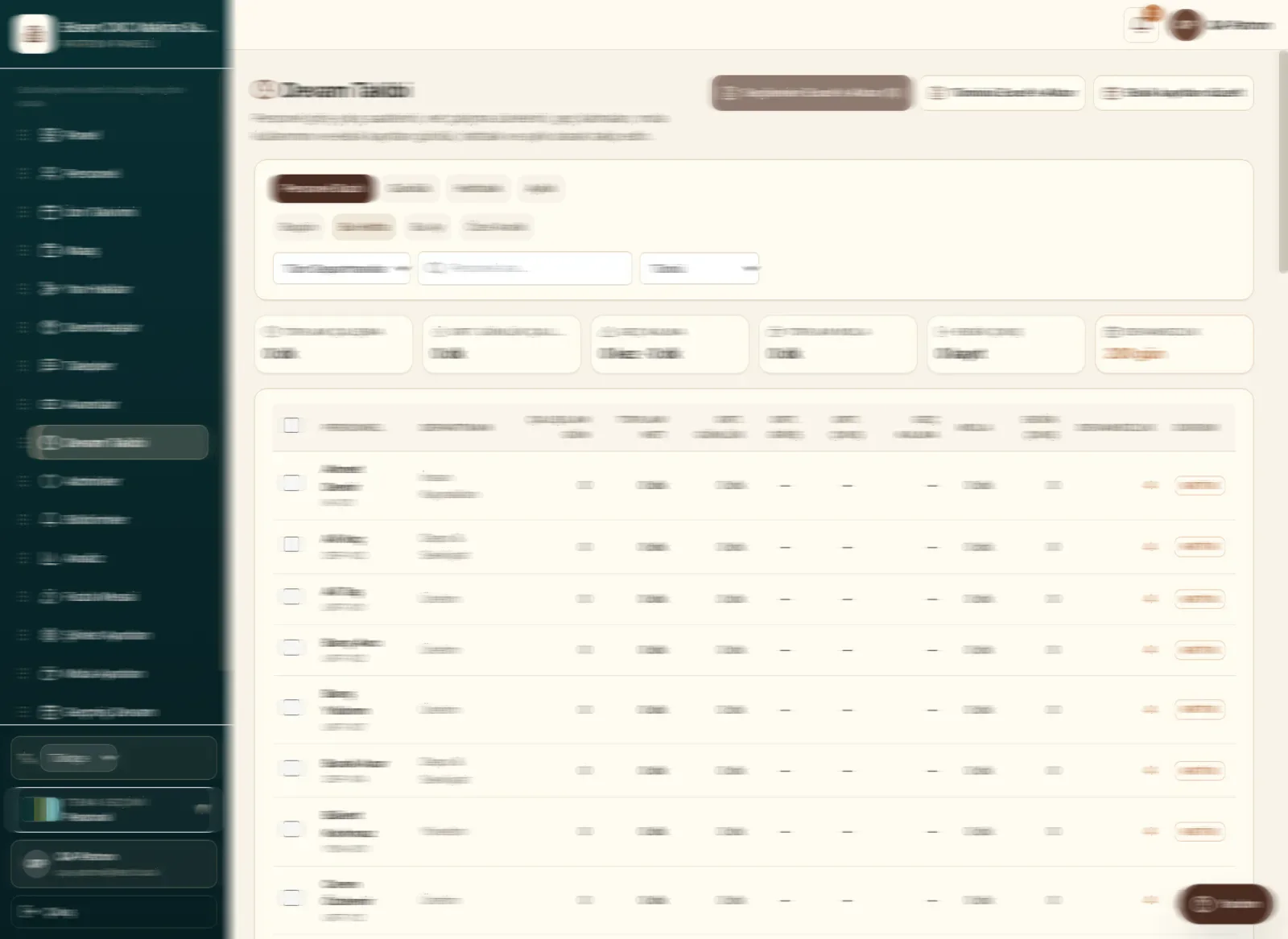
Live attendance board
In, absent, lateThe owner's dashboard shows who's in today, who's absent, who's late, who's on a break and who's on leave in separate cards. People who forgot to check out and those who left early are listed too.
- Branch and department filters
- Automatic flags based on lateness rules
- Corrections and notes on past records
Frequently asked questions
Can someone photograph the QR code and check in from home?
No. Location is verified alongside the QR scan; check-ins outside the workplace's defined radius are rejected or flagged.
What if there's no internet?
The check-in attempt is held on the device and sent when the connection returns; the timestamp reflects the moment of check-in.
Can we define multiple entry points?
Yes. Each branch or gate can have its own QR code and location.
See xPersonel in your business.
We'll prepare a live demo based on your team's size and working pattern.
Request a demo